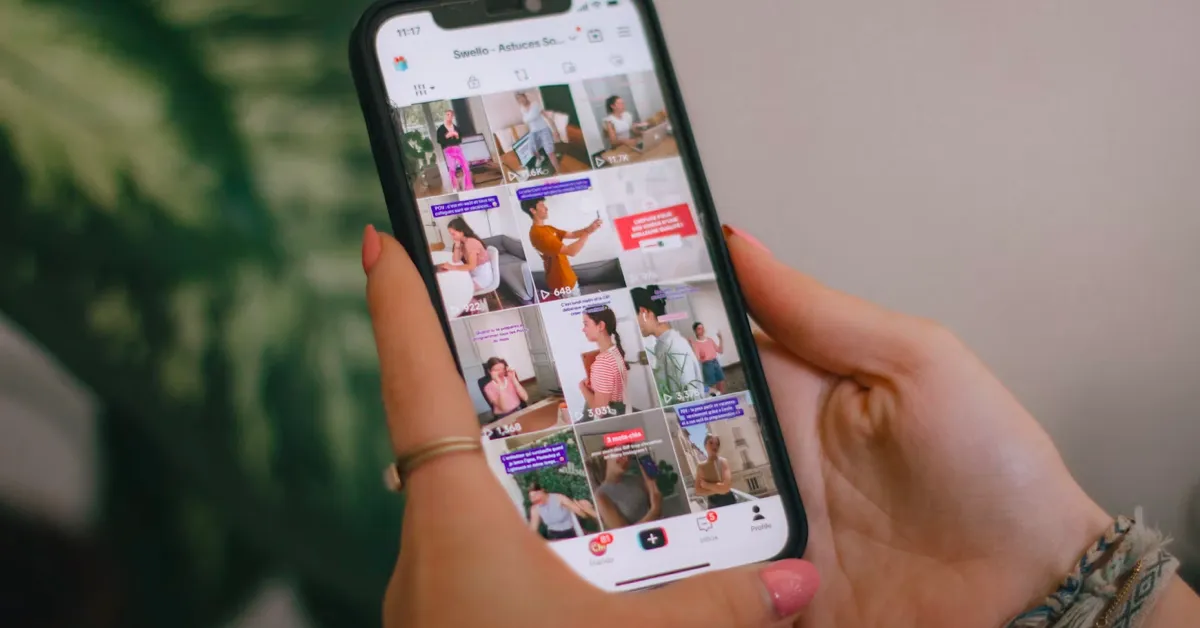
Ever wanted to hang onto a video you posted, just in case? A TikTok downloader lets you do exactly that — pull a copy of your own published clip straight onto your device. Say you’re building out a travel series, or just want your old posts backed up somewhere safer than the app itself. Most browser-based tools handle this with nothing more than the post’s link. No app to install, no account to sign up for — you paste the link, and that’s basically it.
Start by choosing the posts you want to keep. You might organize a travel series, collect progress videos from a personal project, or save older clips before changing how you manage your account. Check that each post is still accessible before attempting to download it. Accounts get renamed, privacy settings change, and posts are occasionally taken down, so it helps to work through your list while everything is still live rather than after the fact.
It is also worth thinking about why you are keeping the copy in the first place. A backup for personal memory keeping has different requirements than a backup meant to support a portfolio or a client review. If the video documents work you plan to reuse, note that separately, since a downloaded file on its own will not carry that context forward.
How to use a TikTok downloader for your posts
Open your published video on TikTok, then paste the link into a browser-based TikTok download tool to save an available file. The general process follows three steps:
- Copy the video link from the post’s sharing options.
- Paste the link into the tool’s input field and submit it for processing.
- Select an available download option, then open the saved file to check its contents.
You can follow this browser workflow on a computer, phone, or tablet, although file-saving behavior varies by device and browser. Some mobile browsers route downloads into a temporary folder before you confirm where the file should live, and some desktop browsers ask each time. If you cannot locate the video afterward, check your browser’s downloads list and the destination folder shown there. It is a good habit to move the file into its permanent folder immediately after downloading, rather than leaving it in a default downloads directory where it can get buried under unrelated files.
What the downloaded copy contains
A downloaded video is useful for watching the published clip locally. It will not, however, carry over everything that made the post meaningful in context. Keep separate notes for anything outside the video that matters to your collection, such as the caption, publication date, engagement figures at the time, or the story behind the recording. TikTok’s own captions and on-screen text are baked into the video file, but metadata like the original post date and account handle typically are not, so writing those down as you go saves guesswork later.
For example, if you documented a room renovation over several weeks, label each clip with its stage and date. Those details make the collection easier to understand later, especially when several videos show similar scenes, and you are trying to tell which week is which month after the fact. This kind of light annotation is a basic principle in personal digital preservation more broadly: archivists who study how individuals manage their own digital collections consistently point out that files without context lose most of their value over time, even when the files themselves remain intact, as the Library of Congress’s personal archiving program explains in its guidance for non-specialists.
Available formats and watermark-free versions
Most browser-based TikTok tools provide MP4 video downloads when available from the source. HD quality is also conditional on the source video; if the original upload was compressed or recorded at a lower resolution, the download will reflect that. A download does not increase the resolution or restore detail missing from the published recording, no matter what quality option you select.
For watermark-free downloads, these tools generally provide a direct link to an available watermark-free version of the file from TikTok’s own servers. They do not edit or erase a watermark from an existing file after the fact — the watermark-free version either exists on TikTok’s side or it does not. Check the options offered for each post rather than assuming every video will have the same version available, since availability can vary by post, account type, and how the video was originally uploaded.
Keeping your TikTok Stories
Many of these tools also support TikTok Story downloads. If you use Stories to share updates from a trip or an ongoing project, check that the Story is still accessible and use its link where available. Stories are designed to expire, which is precisely why they are easy to lose track of if you are not deliberate about saving the ones that matter.
Do not wait until content disappears to check whether you have a copy. A deleted post or a change in account access can leave its link unusable, and there is no way to retrieve a link once the underlying post is gone. Downloading should not be treated as a recovery method for content that is already unavailable — it only works while the source post is still live. This distinction between backup and recovery comes up often in research on personal archiving: a 2007 study on evaluating personal archiving strategies for internet-based information found that people routinely underestimate how quickly access to their own online content can disappear, often assuming platforms will preserve it indefinitely when that is rarely guaranteed.
Organizing a personal video collection
Use descriptive filenames and group related clips into folders. A name such as “garden-progress-june” makes a file easier to recognize than a generic download name like a string of numbers. Add sequence numbers when the videos belong in a particular order, so the folder sorts correctly without you having to check dates on each file individually.
After saving, check the beginning and end of each video, listen to the audio, and confirm that the file plays locally before you consider the download finished. Keep your original recordings and editing projects too: they may contain footage or editable elements — extra takes, alternate cuts, raw audio — that a published copy does not preserve. Penn State University Libraries’ guide to personal digital archiving recommends focusing preservation efforts on the files that would genuinely be missed, rather than trying to save everything at once, which is a useful filter when you are deciding which raw project files are worth the storage space.
Once the collection is organized, keep a second copy in another storage location. This gives you another place to retrieve your videos if a device is lost or a file is accidentally deleted. George Washington University’s guidance on personal digital preservation makes the same point from the other direction: most personal data loss comes down to ordinary human error — an accidental deletion, a failed drive, a forgotten password to an old account — rather than anything dramatic, which is exactly the kind of risk a second copy in a separate location protects against.