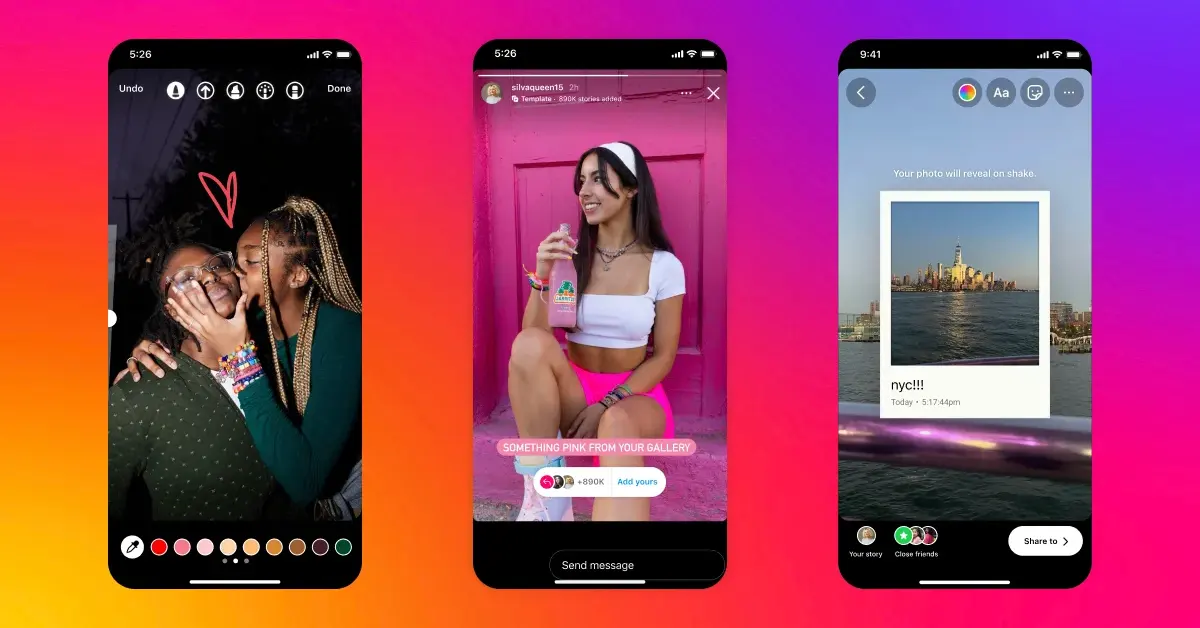
Instagram Stories are a popular way to share travel moments as they happen, from airport updates and local food discoveries to scenic views and short clips from a day trip. Stories are temporary, though. Unless they are added to Highlights, they normally disappear after 24 hours, which can make memorable travel content difficult to revisit later.
For travelers, Instagram Stories can serve two purposes. You may want to view public stories for inspiration before or during a trip, and you may also want to preserve your own Story photos and videos as personal memories.
This how-to guide walks through both processes. You will learn how to view supported public Instagram Stories through a browser, understand the limits of anonymous viewing, save your own travel stories, and organize those memories for later.
Instagram’s scale underscores why this matters for travelers: Meta’s family of apps — which includes Instagram — averaged 3.60 billion daily active people in June 2026, up 3% year-over-year, according to Meta’s official Q2 2026 earnings report. With a user base that large, popular hotels, restaurants, and destination accounts are almost always active on Instagram Stories, making them a reliable real-time source for on-the-ground travel updates.
How to View Public Instagram Stories
Instagram does not provide an official anonymous Story viewing mode. When you open someone’s Story while signed in, your account can generally appear in the account owner’s viewer information.
For travelers researching destinations, this may come up when checking stories from tourism pages, hotels, restaurants, attractions, travel creators, or other public accounts. Browser-based viewing provides another option for supported public stories.
Step 1: Find the Public Instagram Profile
Start by identifying the public Instagram account whose stories you want to view.
For example, you might want to check a hotel’s recent stories before arriving, see what a local restaurant is currently serving, or browse a tourism page for events happening during your trip.
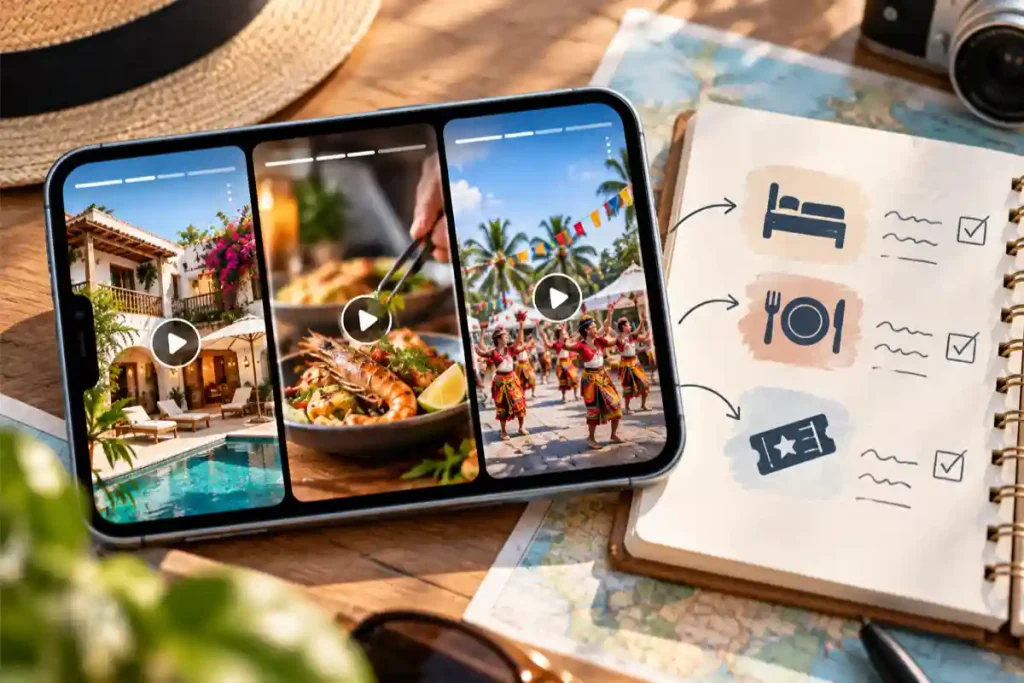
The account must be public. Private profiles and Close Friends’ stories are intentionally restricted and should not be expected to work with public story viewing tools.
Step 2: Copy the Username or Profile Information
Once you have found the correct public account, note its Instagram username or copy the profile link required by the Story viewer you plan to use.
Double-check the username, particularly when businesses or travel creators have similar account names.
Step 3: Open the Instagram Story Viewer in Your Browser
Open the Story viewing tool using a modern browser on your phone, tablet, laptop, or desktop computer.
A browser-based workflow is convenient for travel because it can let you watch Instagram stories without app installation or an app download. You can use the browser already available on your phone or computer.
For publicly accessible stories, Grabfy provides a practical browser-based way to view Instagram stories without opening them through your personal Instagram account. The workflow is useful when checking supported public travel content from hotels, restaurants, tourism pages, attractions, or travel creators.
Enter the requested public Instagram username or profile information into the viewer. Login is not required for supported public stories when using the browser-based viewer.
Step 4: Select the Available Story
If active stories from the public profile are supported and currently available, you can view stories through the viewer’s interface and, where available, download stories directly there. An account login or app installation is not required for this browser-based process.
You can then browse available IG stories and watch Instagram stories without opening them through your personal Instagram profile in the normal viewing process. This also helps save Instagram stories or download Instagram stories from as many public accounts while avoiding typical usage limits.
This can be useful for checking travel inspiration, current activities, local events, destination updates, or other publicly shared information. The tool is completely free, with no daily limits on views for supported active stories.
Understand What Anonymous Viewing Can and Cannot Do
Browser-based Story viewing is different from common tricks such as half-swiping or airplane mode.
Half-swiping attempts to preview part of a Story without fully opening it, but it may reveal only part of the content. Moving too far can also open the Story normally.
Airplane mode depends on stories being preloaded and on how Instagram handles cached activity. Because app behavior can change, it should not be treated as a dependable anonymity method.
A secondary account is another option, but it is better described as pseudonymous viewing. Your primary username may remain separate, but the secondary account itself can still appear as a viewer.
Most importantly, browser-based tools should not be expected to reveal private profiles or Close Friends’ stories. Be cautious of any website claiming that it can bypass those restrictions.
How to Save Your Own Instagram Travel Stories
Viewing public stories for inspiration is only one part of the process. Your own stories can also become a valuable visual record of your travels.
Because standard stories are temporary, it helps to create a simple preservation routine during or after each trip.
Step 1: Save Important Story Photos and Videos
When you create a Story you want to keep, use Instagram’s available saving controls to retain the photo or video on your device when appropriate.
Keeping your own original travel photos and videos is even better. The original file gives you a personal copy that does not depend on the Story remaining available on Instagram.
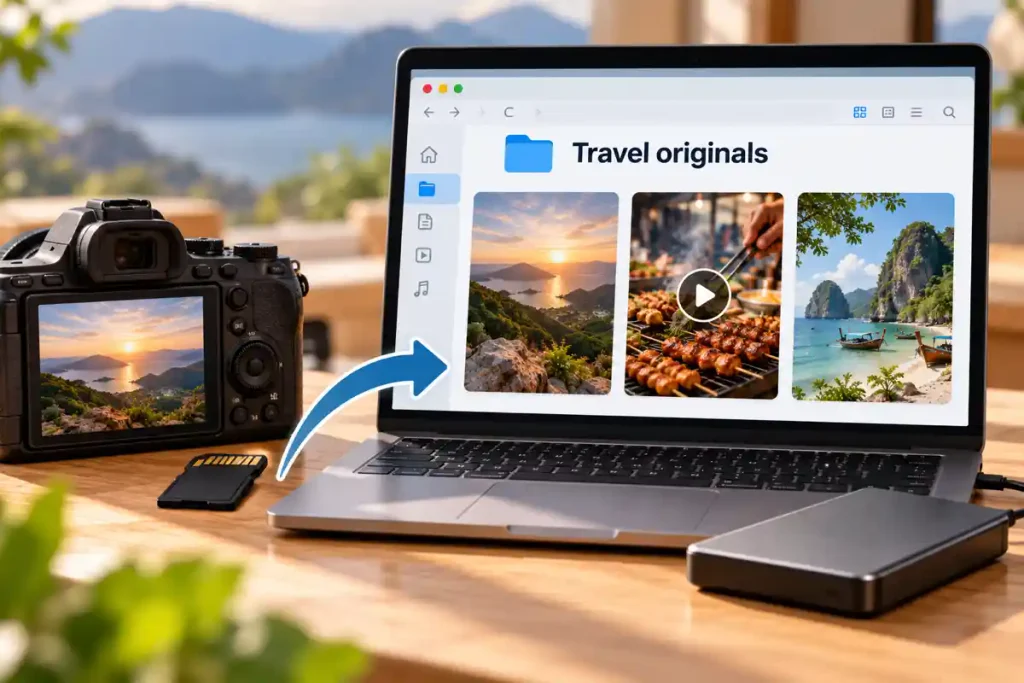
Grabfy can also provide a useful browser-based workflow when working with supported public or permitted Instagram content you want to view or save. For your own travel memories, however, keeping the original files alongside your Instagram versions gives you greater control over your archive.
Step 2: Use Instagram Archive
Instagram’s Archive feature can help preserve your stories after their normal public availability ends.
When Story archiving is enabled, your stories can remain privately accessible through your account after the 24-hour viewing period. This makes it easier to revisit older travel stories without keeping everything permanently visible on your profile.
Archive is useful, but it should not necessarily be your only backup for important travel memories.
Step 3: Create Travel Highlights
If you want selected stories to remain visible on your Instagram profile, organize them into Highlights.
You could create highlights based on individual destinations or experiences, such as “Japan 2026,” “Beach Trip,” “Food Finds,” or “Weekend in Manila.”
Highlights are particularly useful when you want friends or followers to revisit selected moments from your trip without searching through older posts.
Step 4: Keep a Local Backup
For important memories, maintain copies outside Instagram as well.
Create a folder for each trip and organize your files by destination and date. You can also create smaller folders for accommodation, transportation, food, activities, landscapes, and favorite moments.
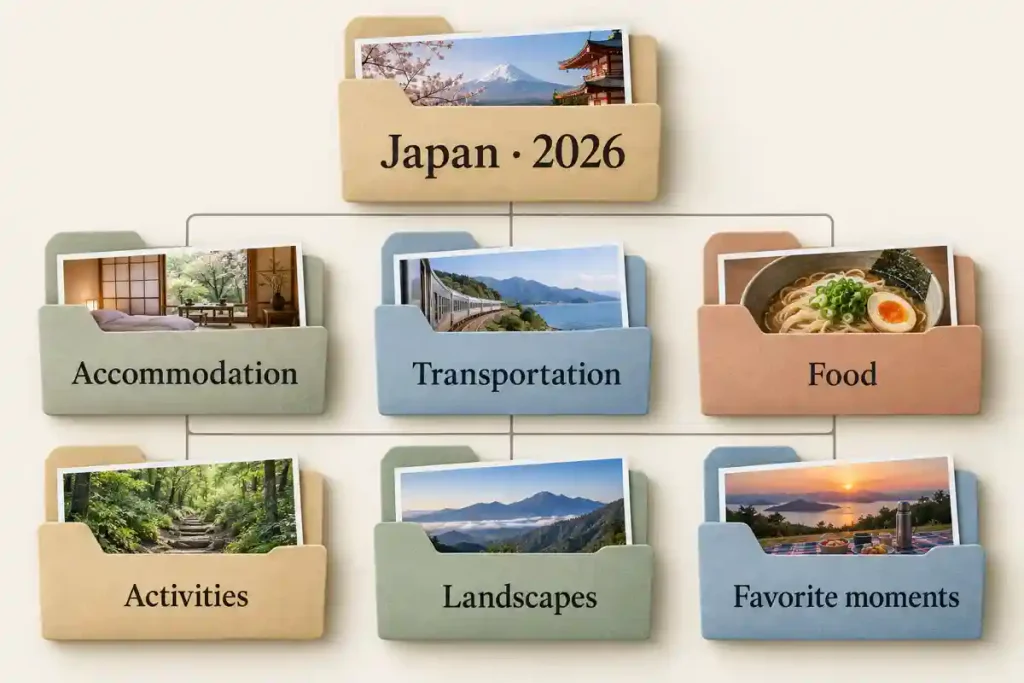
Clear file names make memories easier to locate later. A name containing the date, destination, and a short description is more useful than an automatically generated filename.
How to View and Save Stories Responsibly
Viewing and downloading are different actions. Viewing lets you see available Story content, while downloading stories creates a local copy without changing the limits on permission or reuse.
Public visibility does not mean unrestricted reuse. A travel creator, restaurant, hotel, or another traveler still retains rights to the content they create, and all rights belong to their respective owners.
If you save someone else’s public Story for permitted personal reference, do not assume that downloading gives you permission to republish or commercially use it. Copyright, licensing, privacy, and the creator’s permission remain separate considerations.
The same care applies to your own travel stories. Before publicly sharing photos or videos featuring friends, family members, or other identifiable people, consider whether they are comfortable appearing in the content.
How to Choose a Safe Story Viewing Tool
Avoid Story viewers that unexpectedly request your Instagram password; a safe Instagram story viewer should be clear about privacy protection and should not ask for credentials. A browser tool designed for publicly accessible stories should not need to promise access to private profiles or private viewer analytics.
Be cautious about unnecessary applications, extensions, surveys, or software installations as well. For supported public stories, ‘no login required’ should mean avoiding extra app installation, and browser-based options can often handle viewing without software-heavy tools.
Also remember that viewing without your personal Instagram profile is not the same as complete online anonymity. No third-party tool can reveal who viewed your own Story, and even an anonymous story viewer or anonymous Instagram option may still keep its own analytics, logs, and privacy practices.
Final Thoughts
Viewing Instagram Stories and preserving your own travel memories can both be handled with relatively simple workflows.
Preservation matters more than most travelers realize: nearly two-thirds of smartphone users store their personal photos and videos directly on their device, making visual memories the most commonly stored data type on phones, ahead of contacts, messages, and even personal documents, according to a global Kaspersky survey. Kaspersky’s own security experts note that no photo or video should live on a single device alone, since accidental deletion, loss, or hardware failure can make recovery impossible without a backup. That’s exactly why a proper backup routine — not just Instagram’s own Archive — is worth the extra few minutes.
For public travel stories, start with a public profile, use a browser-based viewer such as Grabfy for supported content, and respect Instagram’s restrictions on private accounts. For your own travel stories, save important originals, use Archive, organize selected stories into Highlights, and maintain a local backup of memories you do not want to lose.
These steps make it easier to use Instagram for travel inspiration while also building an organized collection of your own experiences. Whatever method you use, protect your account credentials, respect private content, and remember that access to a public Story does not automatically provide permission to reuse it.